Mobile task and safety reporting for field teams on Android
WSHone puts task lists, safety reports, and daily schedules into a single mobile workflow: view assigned jobs, update status, and submit inspection reports from an Android device. Developed by WSH Experts for business productivity in safety-critical industries, the app enforces secure login for authorized staff and displays task states such as Upcoming, In Progress, and Completed. It suits safety officers, site supervisors, and field personnel who need real-time coordination tied to Workplace Safety and Health requirements in Singapore.
How it supports field compliance and incident reporting
WSHone integrates task management with safety reporting by letting users submit and review workplace safety and inspection reports directly from mobile. The app includes detailed task information such as application IDs and assigned personnel, so entries and reports carry the identifiers organisations use for compliance records. This aligns the reporting flow with workplace safety oversight needs in construction, logistics, and facility management.
How daily work is organised and tracked
The app structures each workday around assigned tasks and status updates, showing schedules and letting staff mark tasks as Upcoming, In Progress, or Completed. Real-time viewing of assignments supports coordination between field staff and supervisors, and the monitoring of daily activities provides a single source for progress tracking rather than separate spreadsheets or paper logs.
What the interface and onboarding imply for users
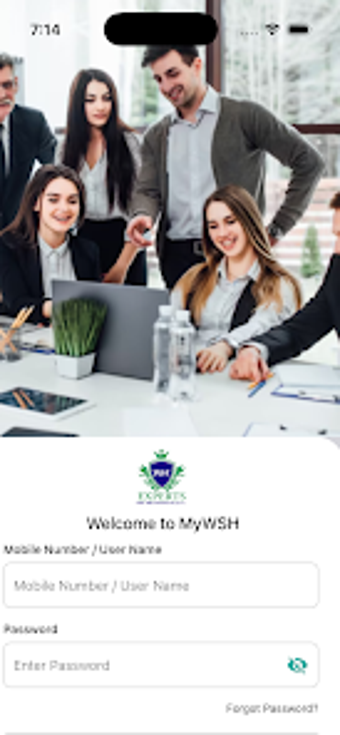
Access is restricted to registered, authorised staff through secure login, which reduces exposure of sensitive operational data to outsiders. The closed-loop access model suits organisations that already issue credentials to employees; it does mean the app expects an existing account and some setup by management rather than open self-registration from field hires.
How it handles connectivity, performance, and maintenance
WSHone relies on an active internet connection for real-time synchronization, so updates and task pushes appear promptly on Android devices. The developer maintains the app with regular updates to improve the interface and address bugs, reflecting ongoing operational support rather than a static release.
WSHone suits regulated field teams needing traceable, mobile safety workflows
WSHone is a focused option for safety officers and site supervisors who require a mobile extension of their management system tied to Singapore WSH rules; it centralises assignments and inspection reporting for authorised staff. The trade-off is that organisations must provision accounts and ensure continuous connectivity for real-time sync. For teams already using WSH Experts’ services, the app fits into existing operational controls and reporting routines.